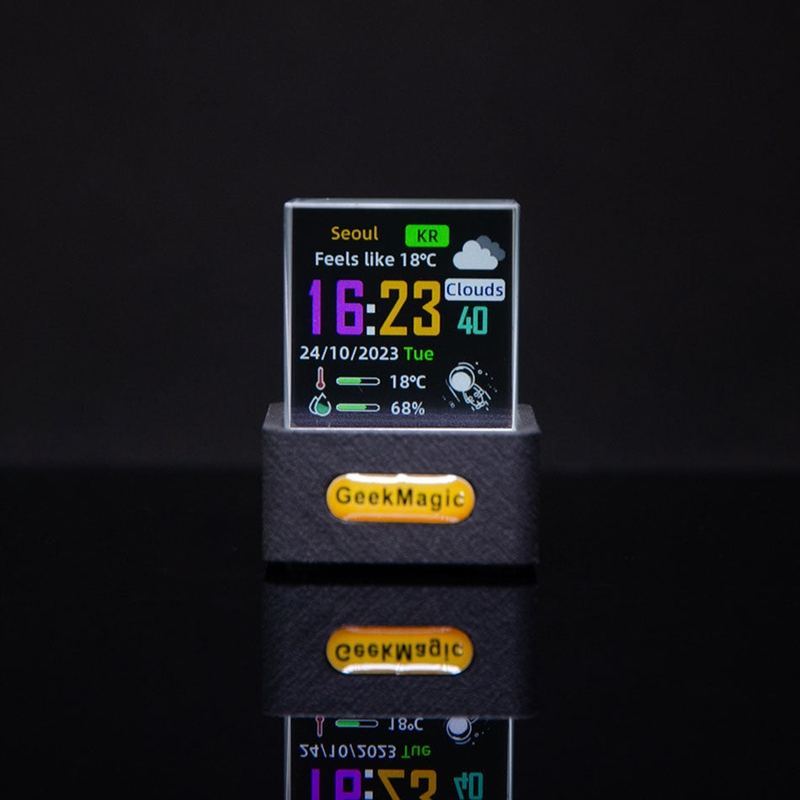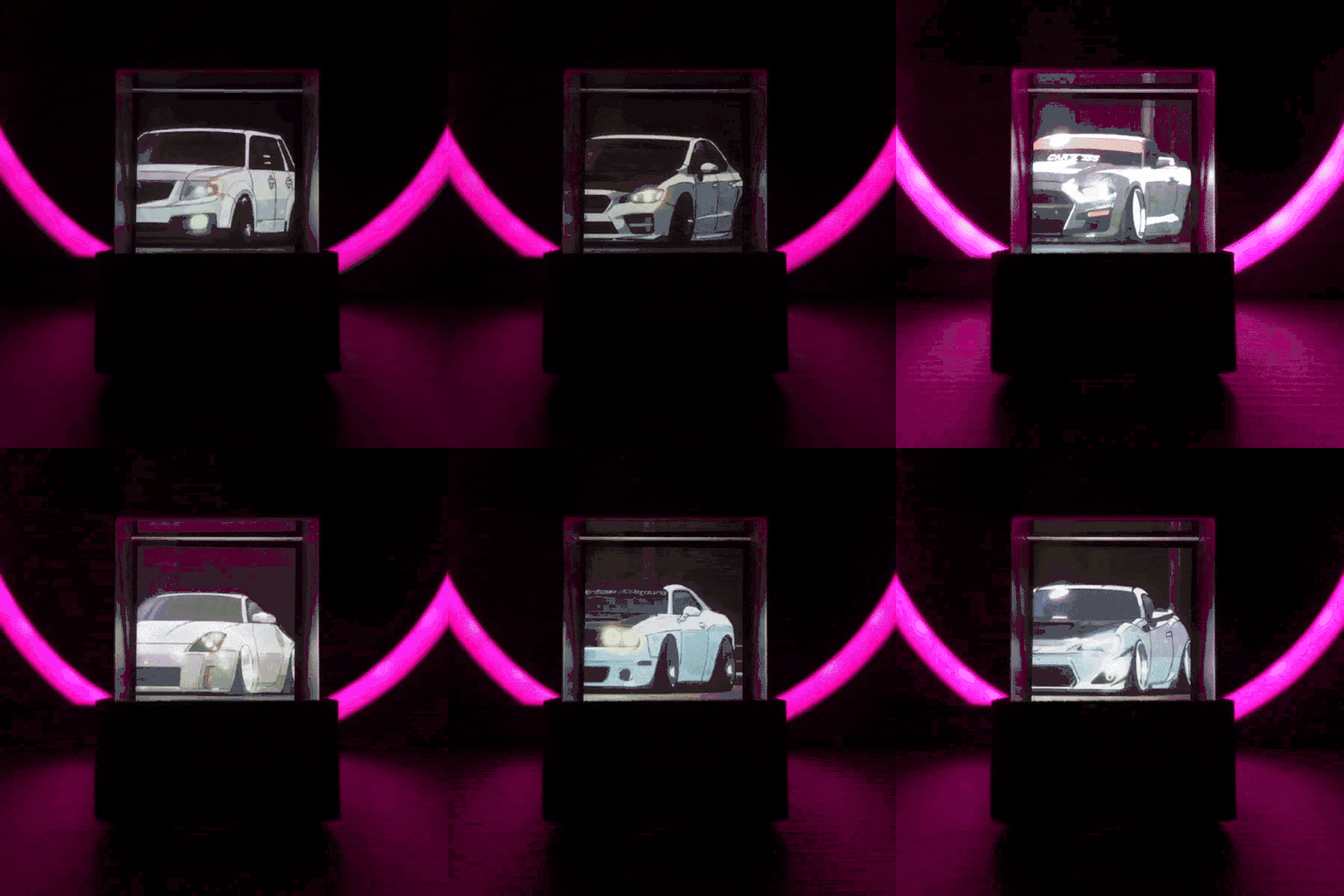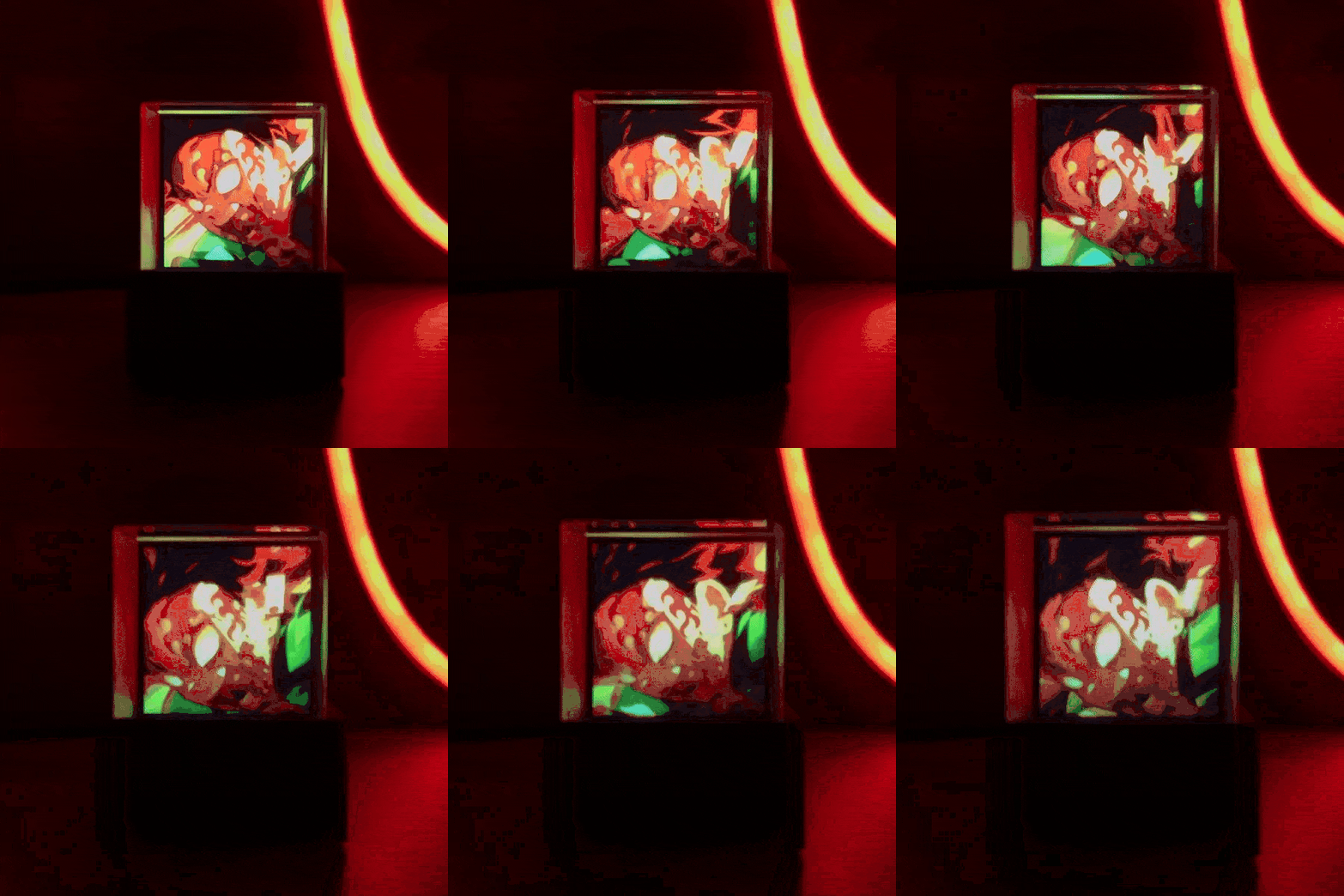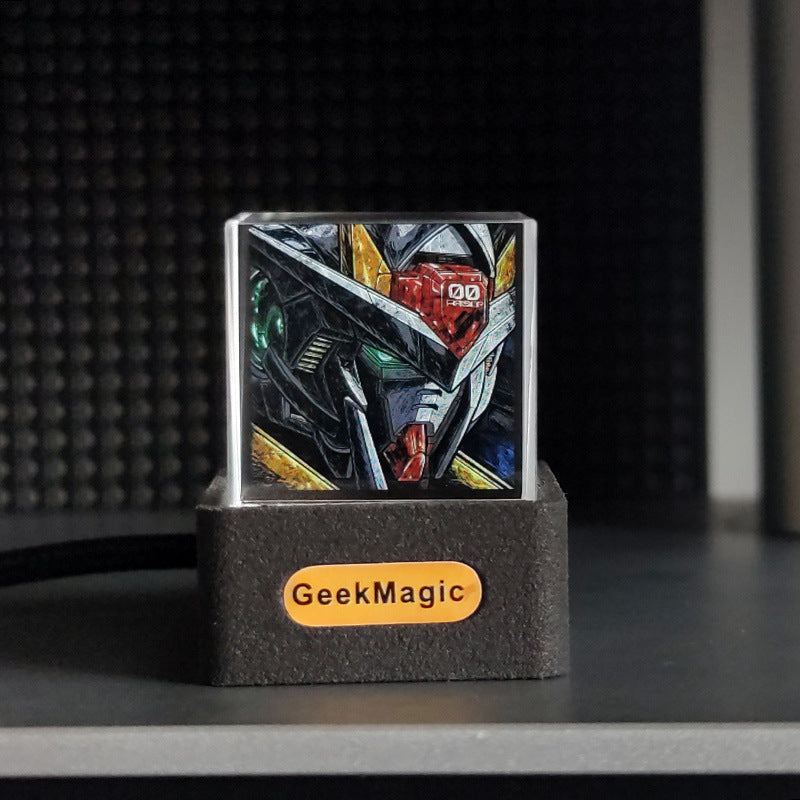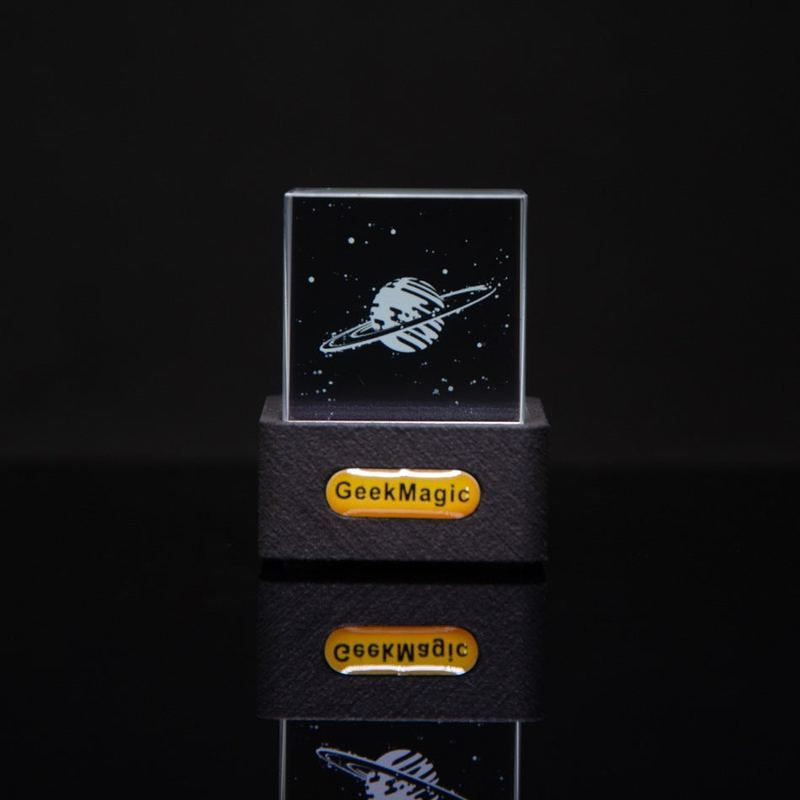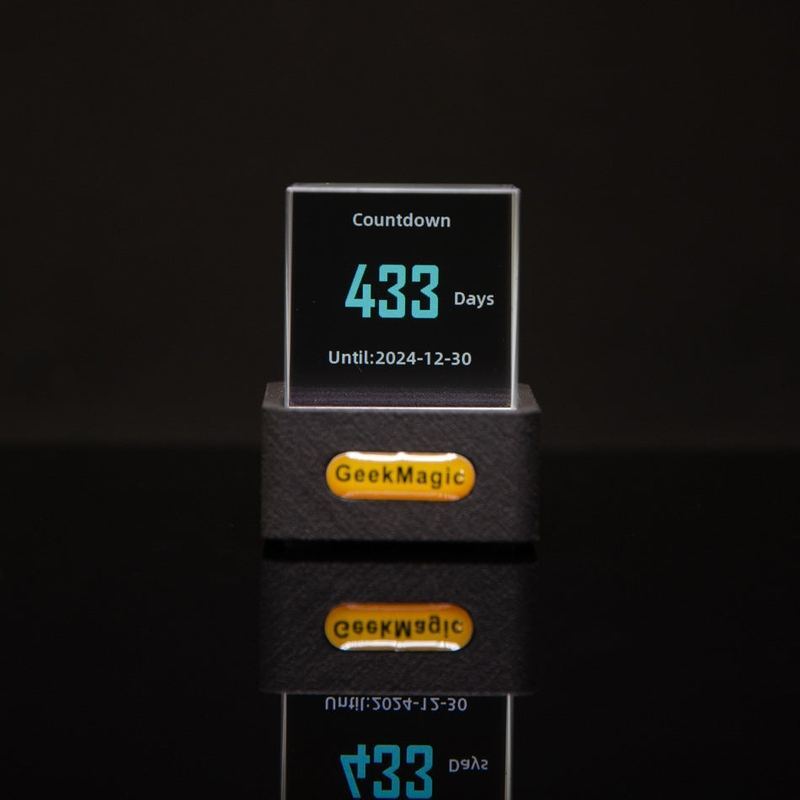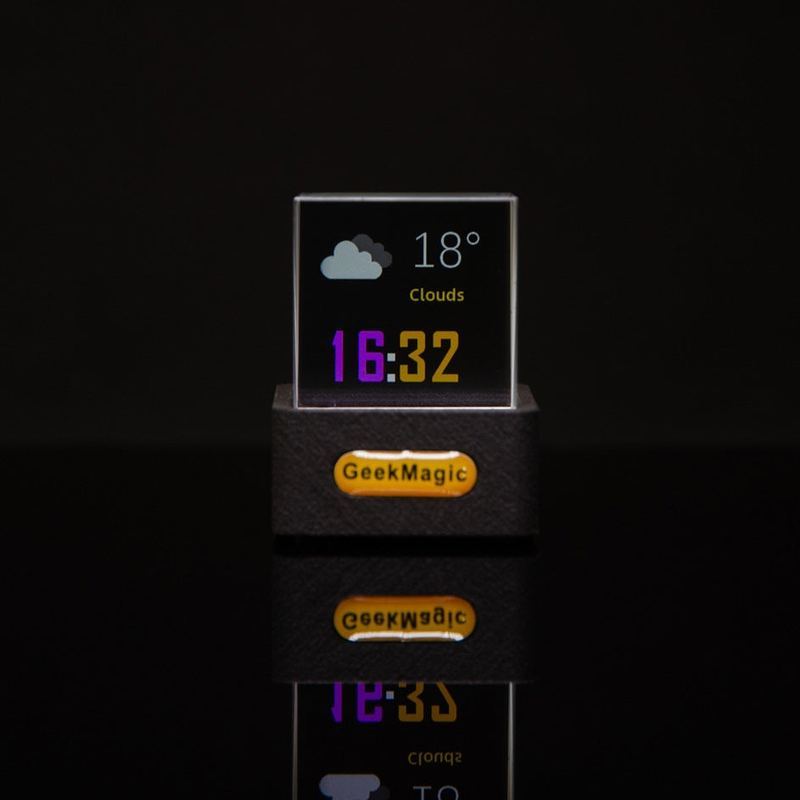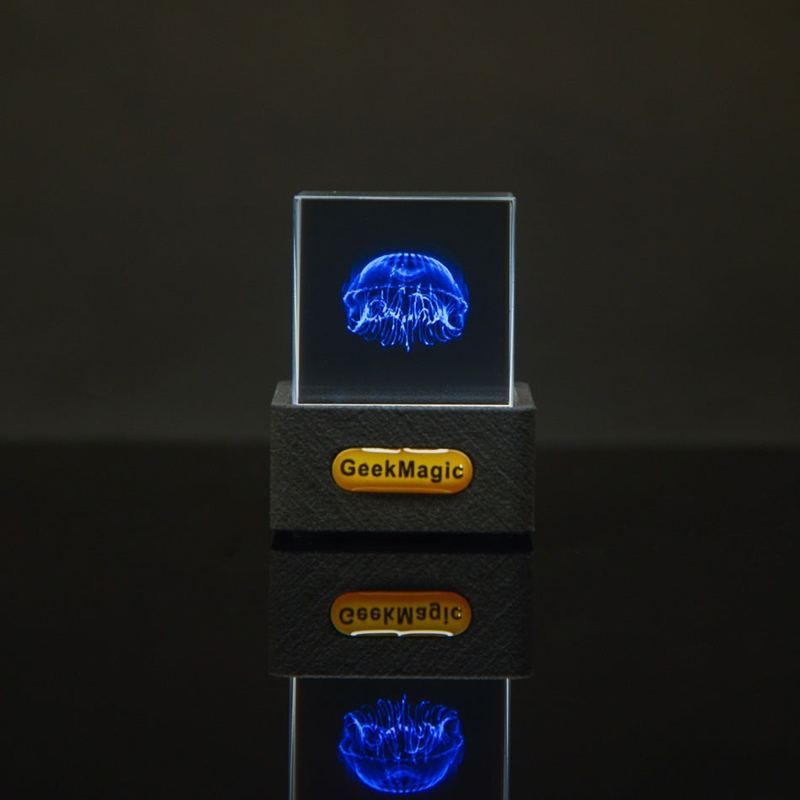
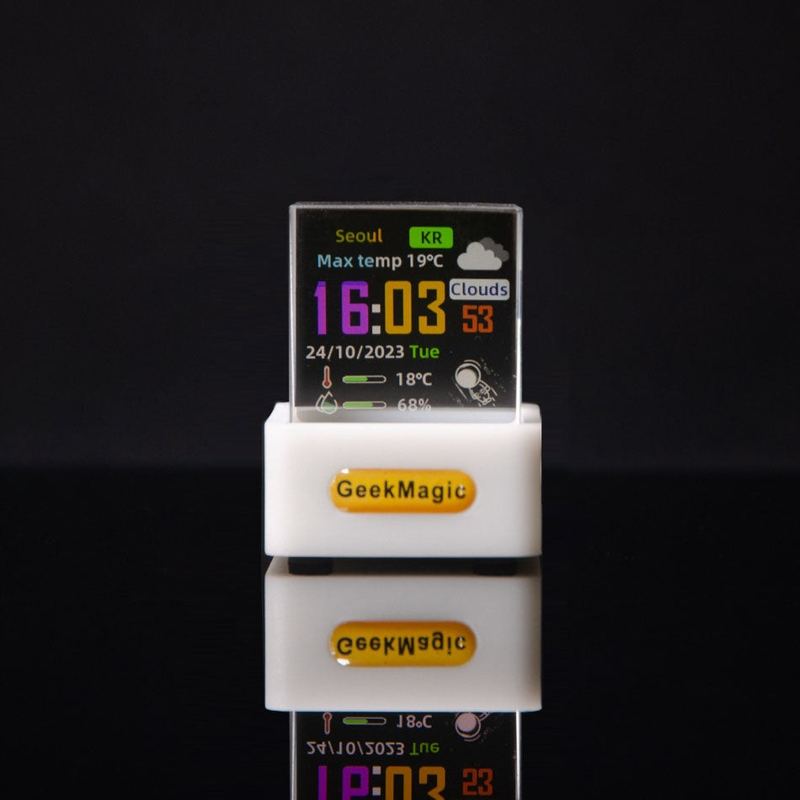
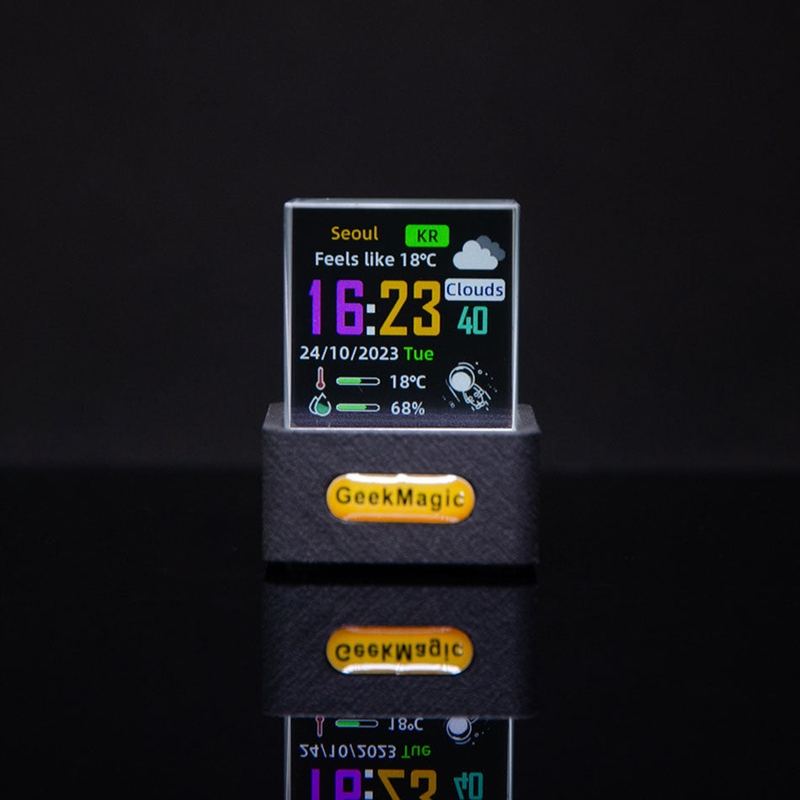
Hologram Cube - 3D LED Display


Designed for modern aesthetics, this hologram cube is perfect for tech enthusiasts, creators, and anyone who wants to add a unique visual flair to their space.
Simple Setup: Follow our easy user manual, available here .
- Access over 500,000 GlFs and stickers. Explore them here .
-Exclusive Content: Download GlFs from your videos here.
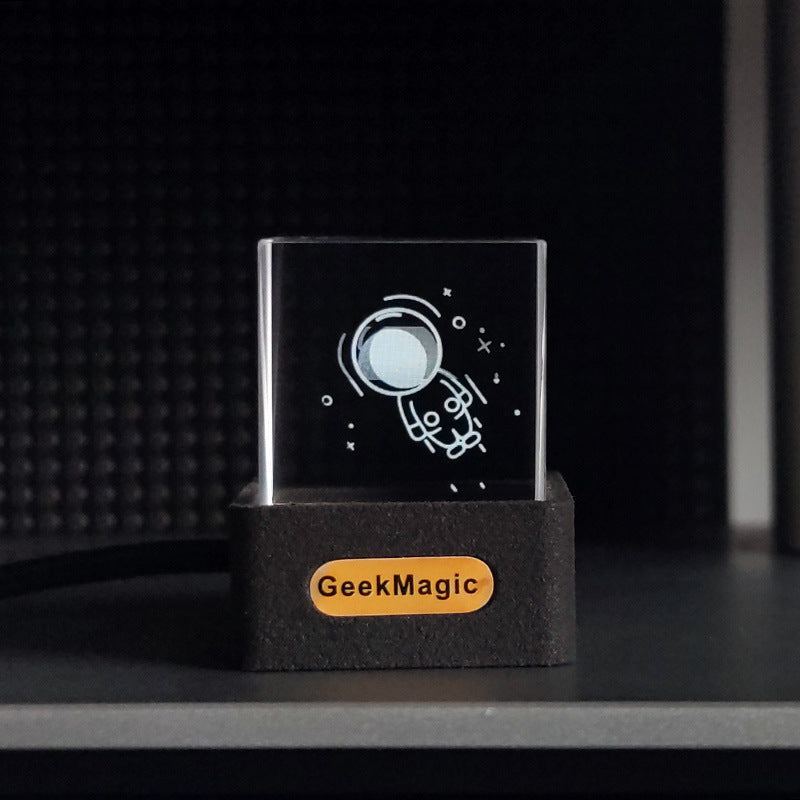
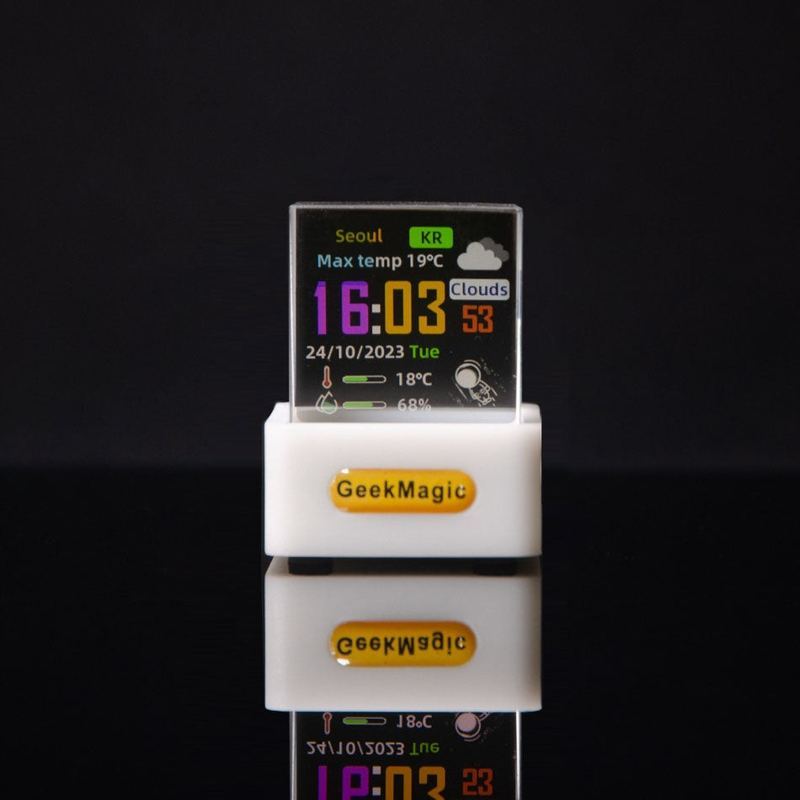
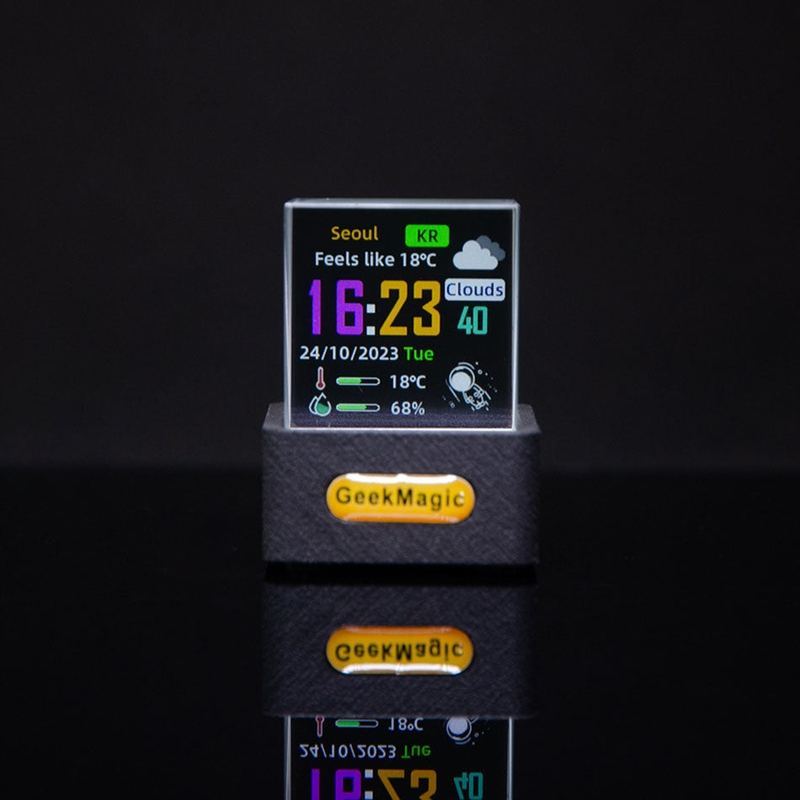
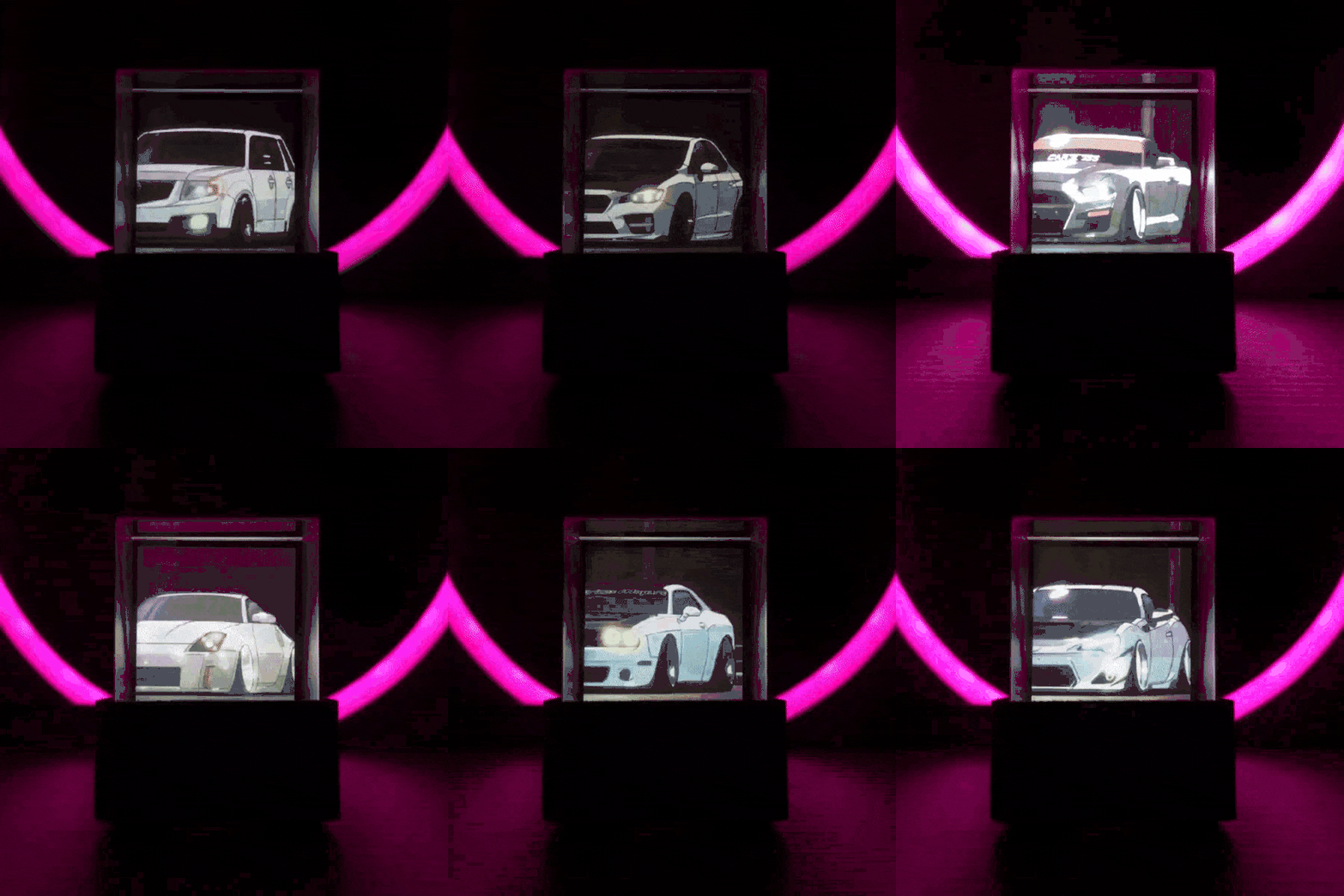
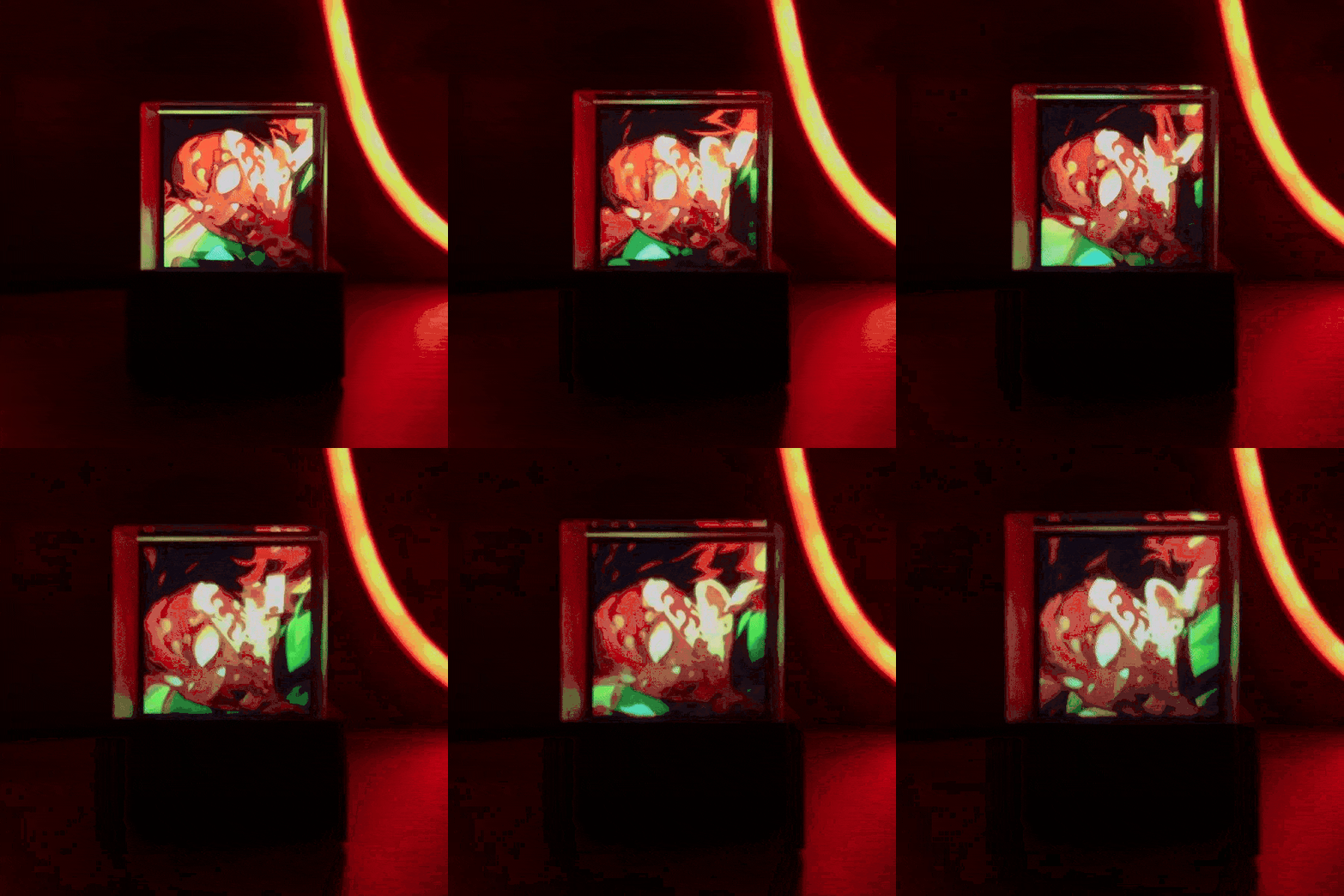
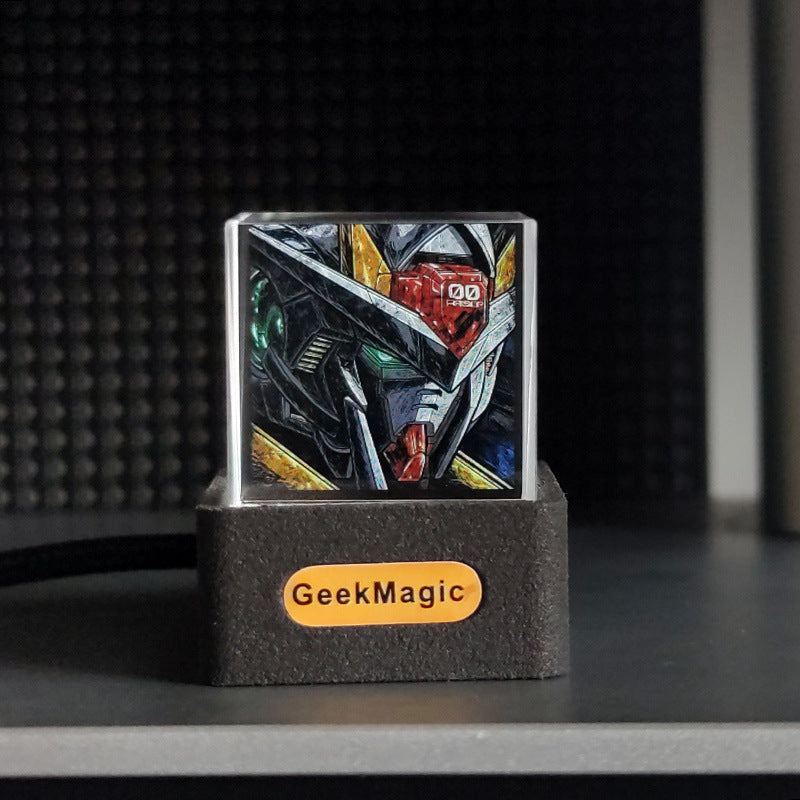
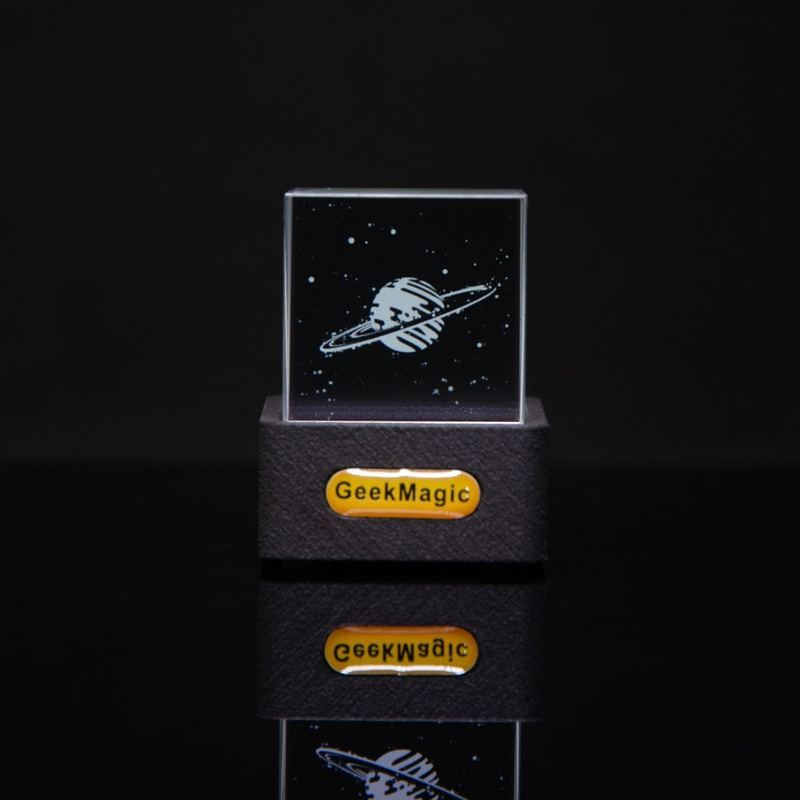
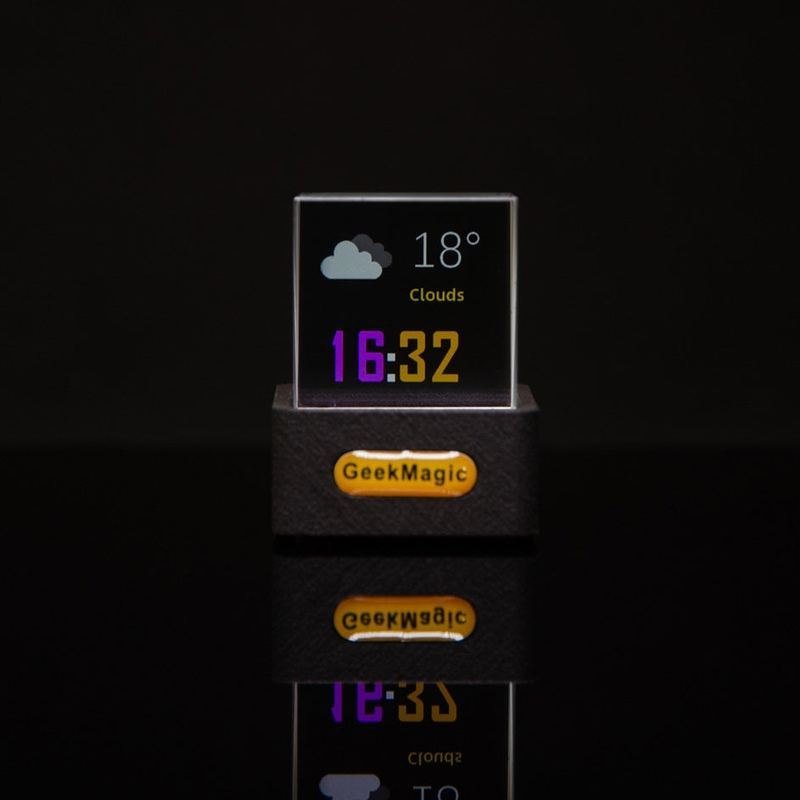
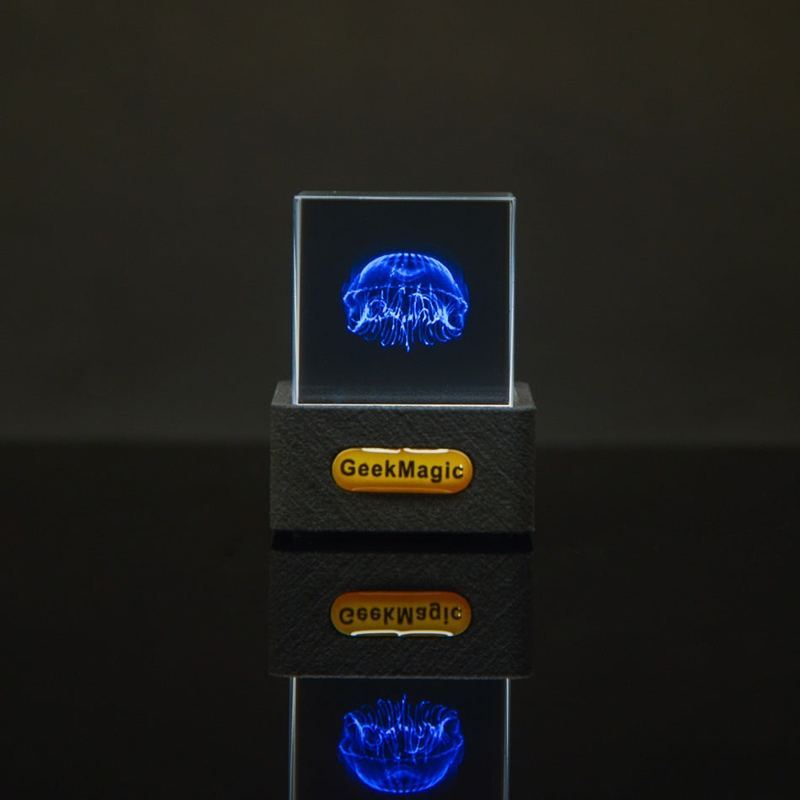
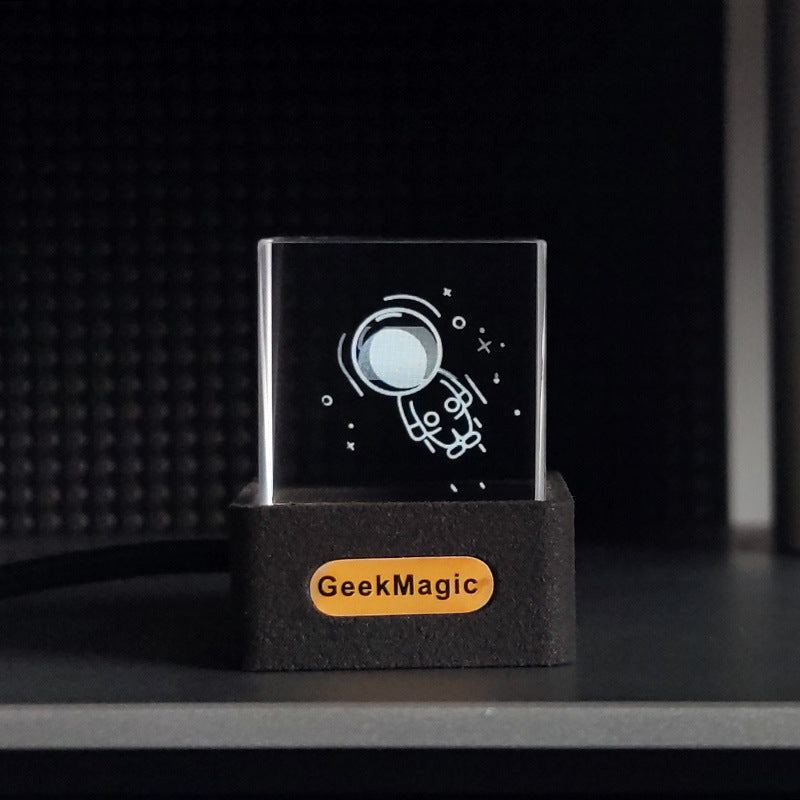
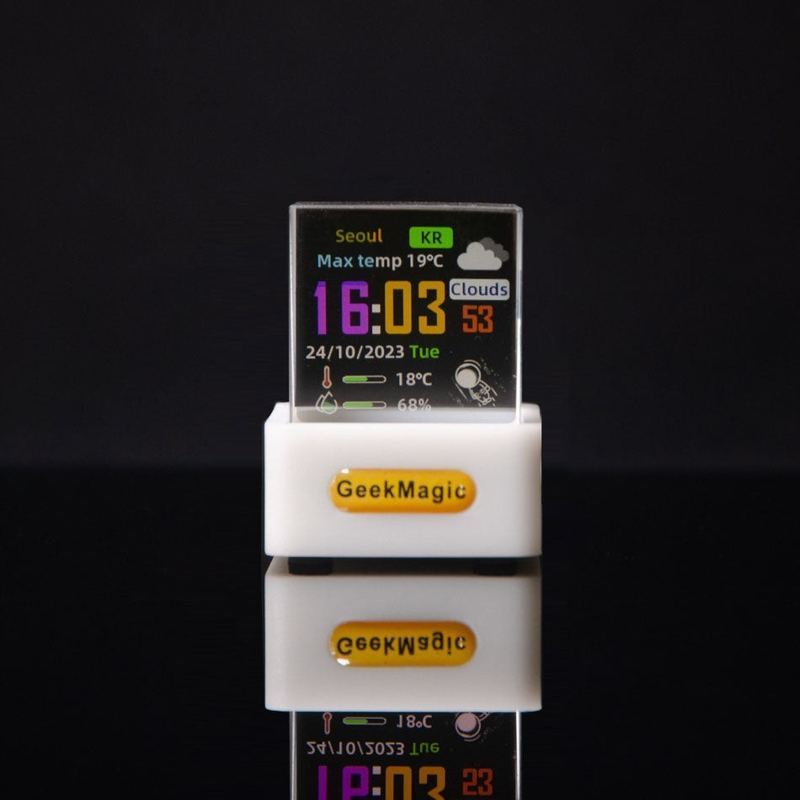
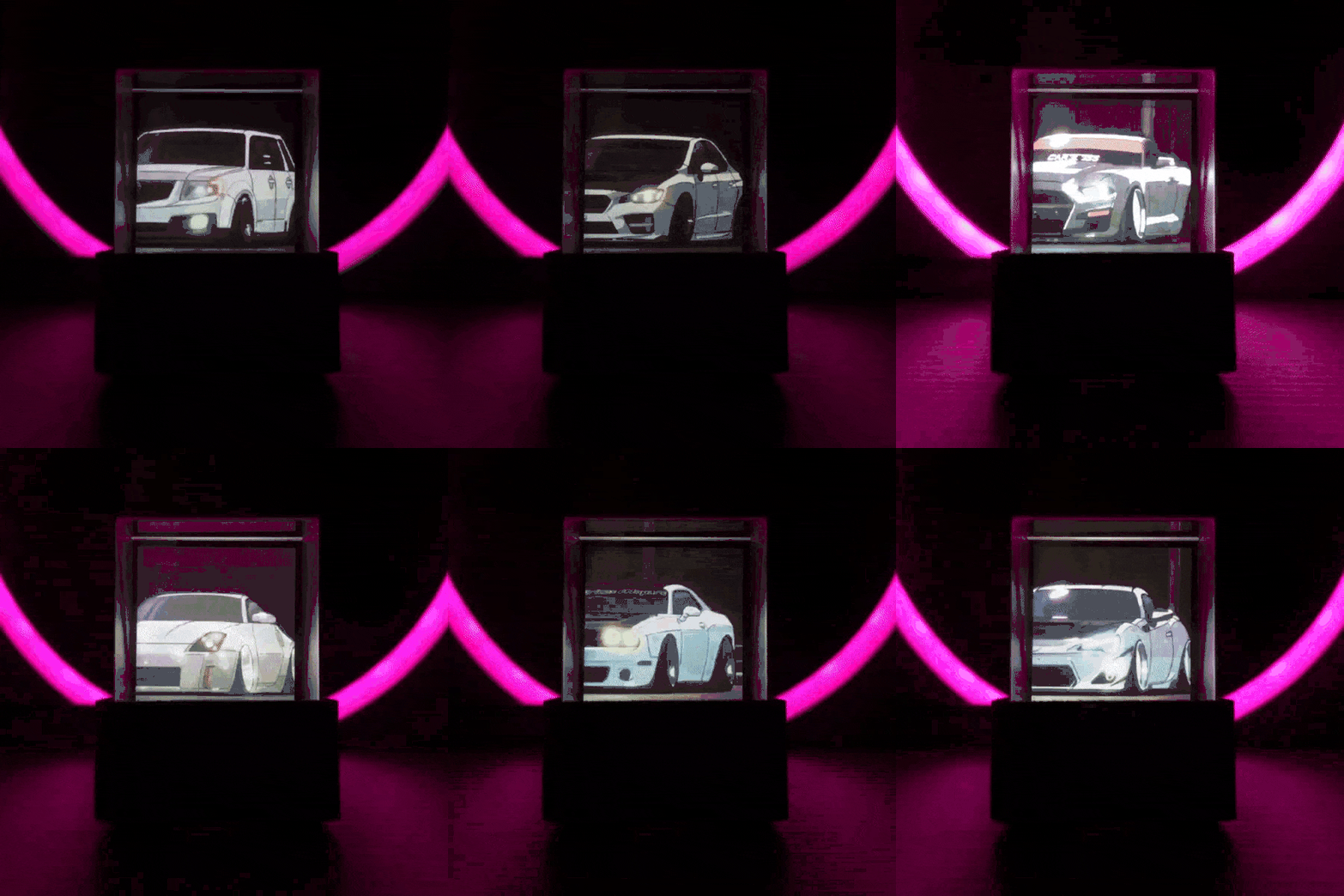
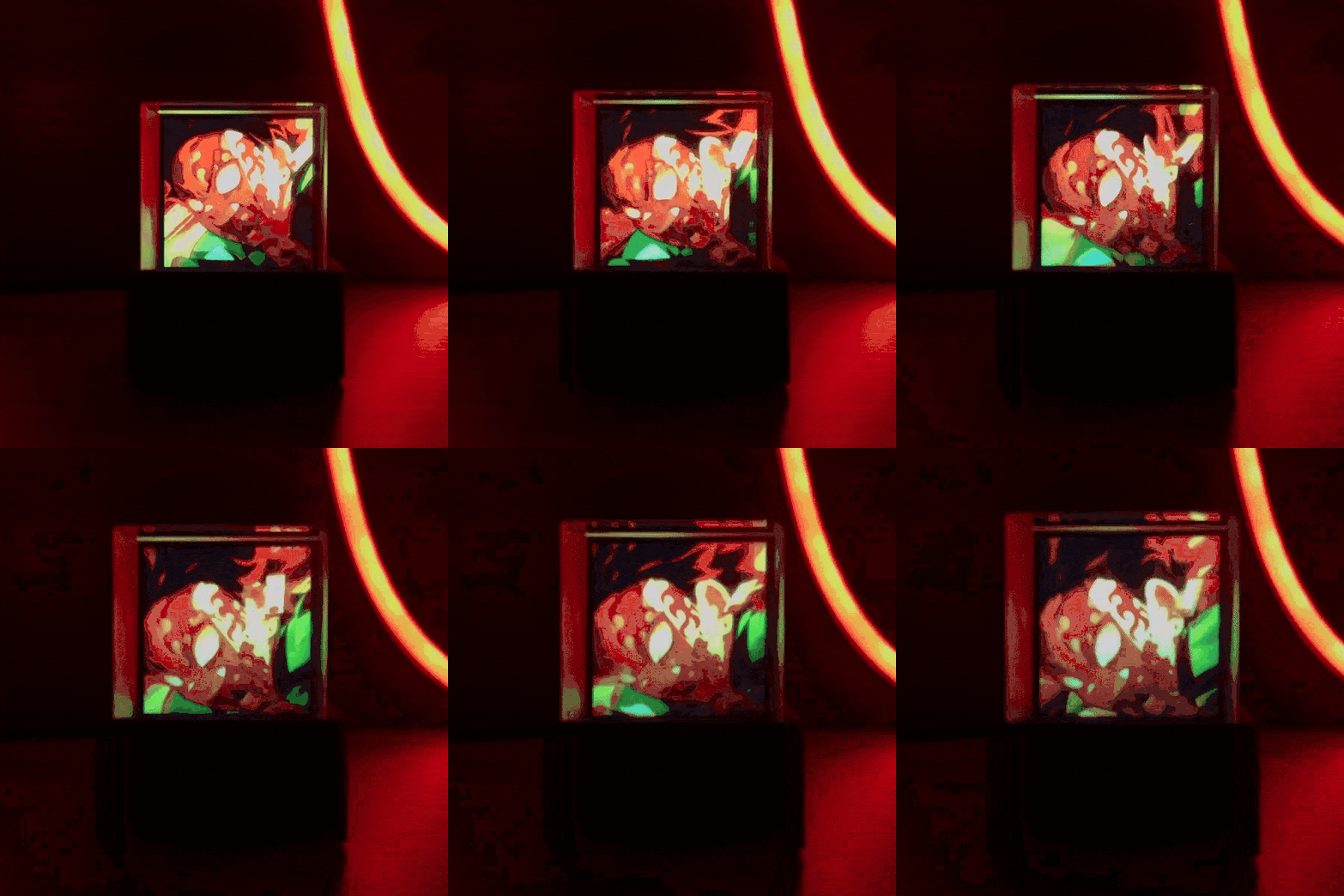
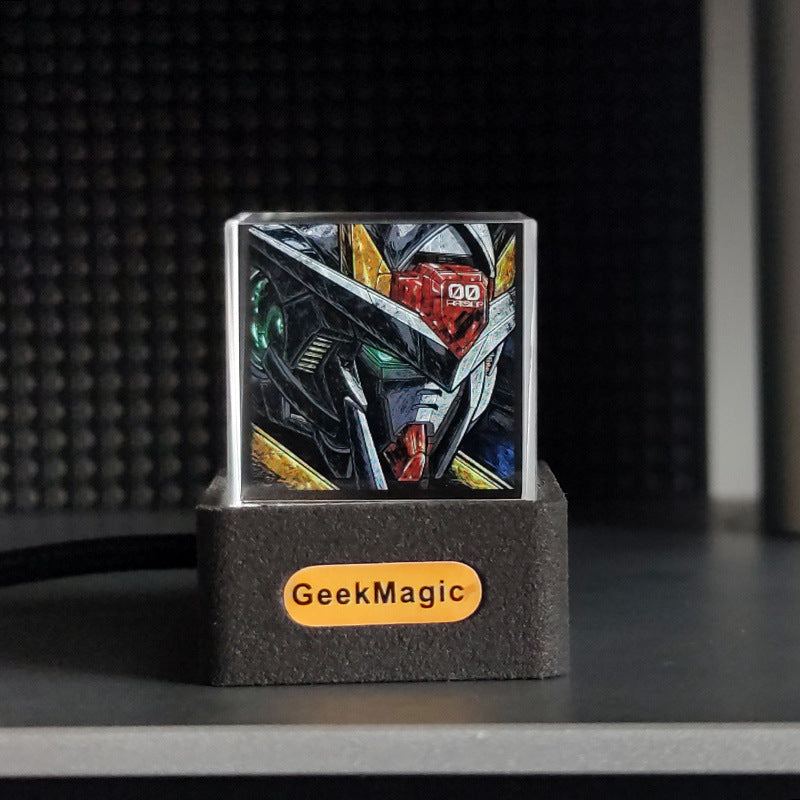
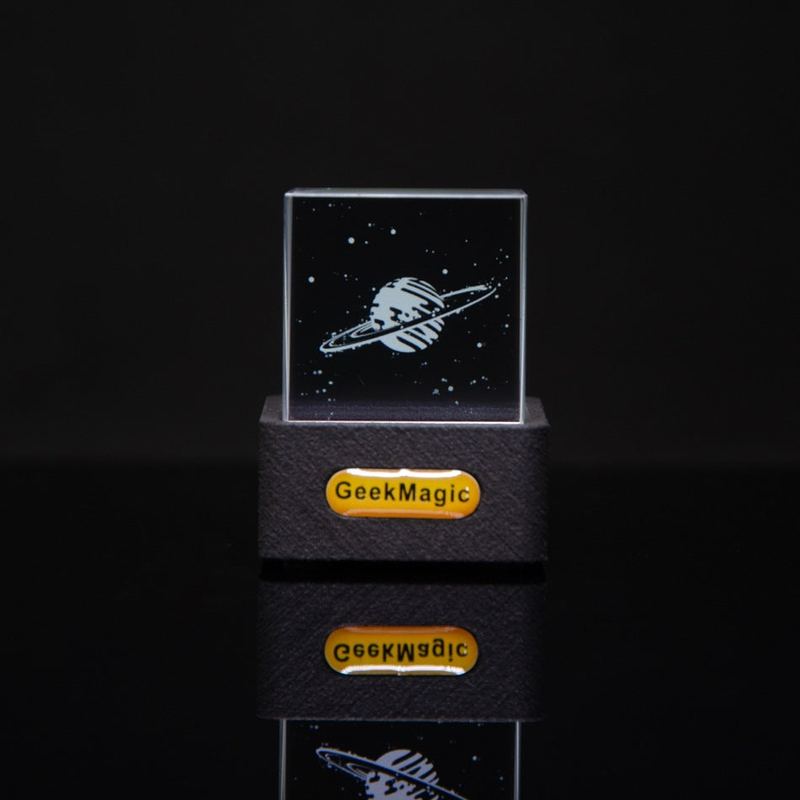
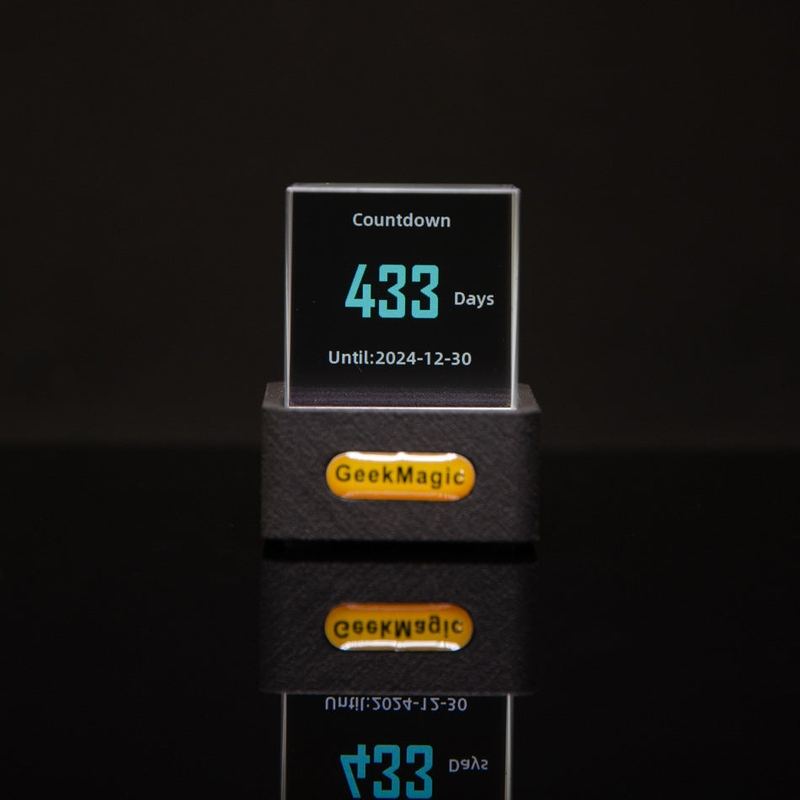
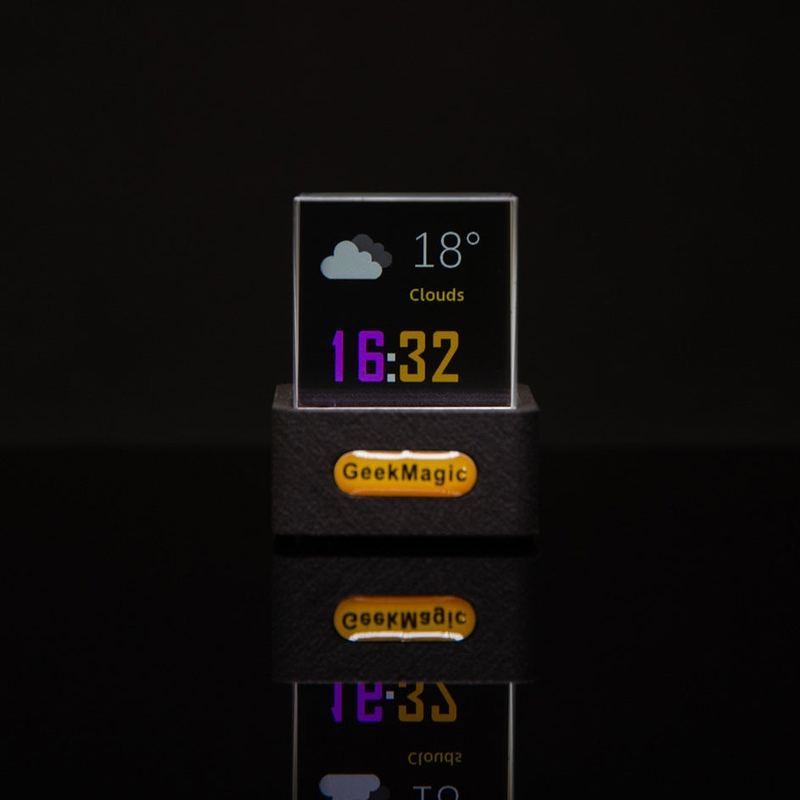
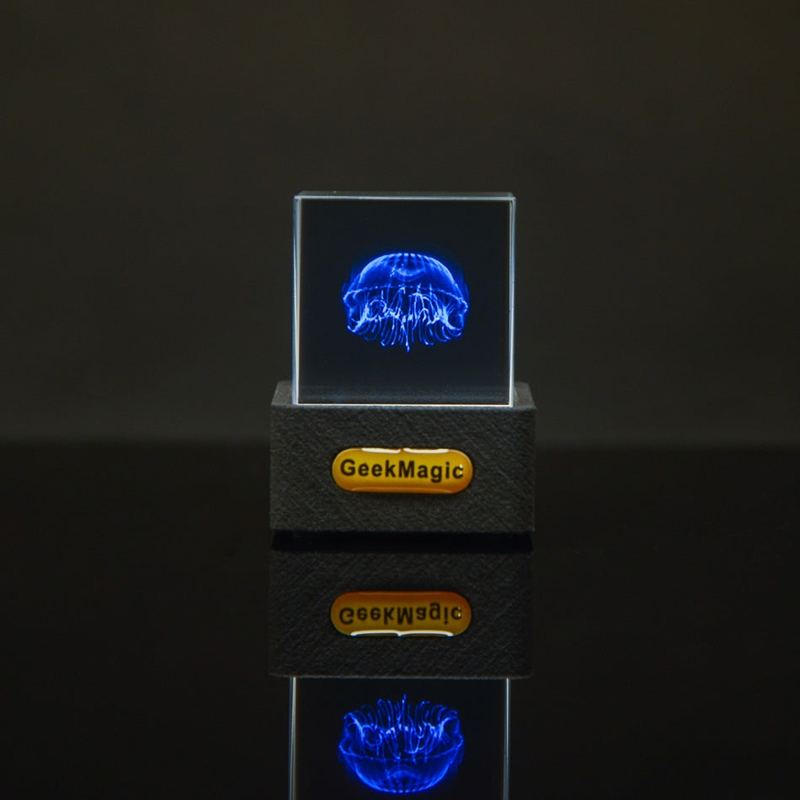
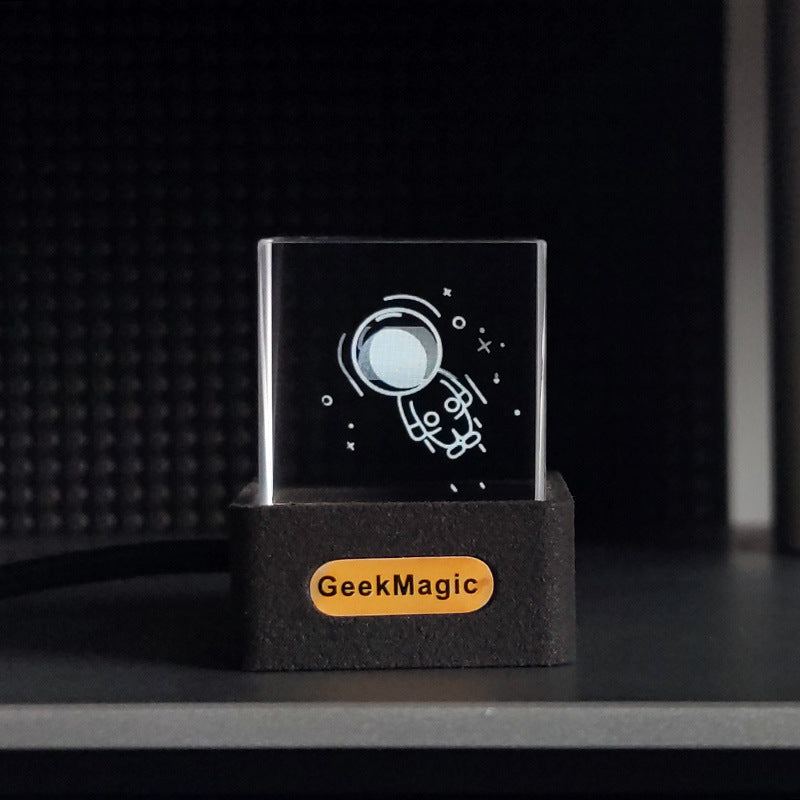
Vivid 3D Display: The Hologram Cube creates eye-catching holographic effects that float mid-air, creating an immersive visual experience that captivates from every angle.
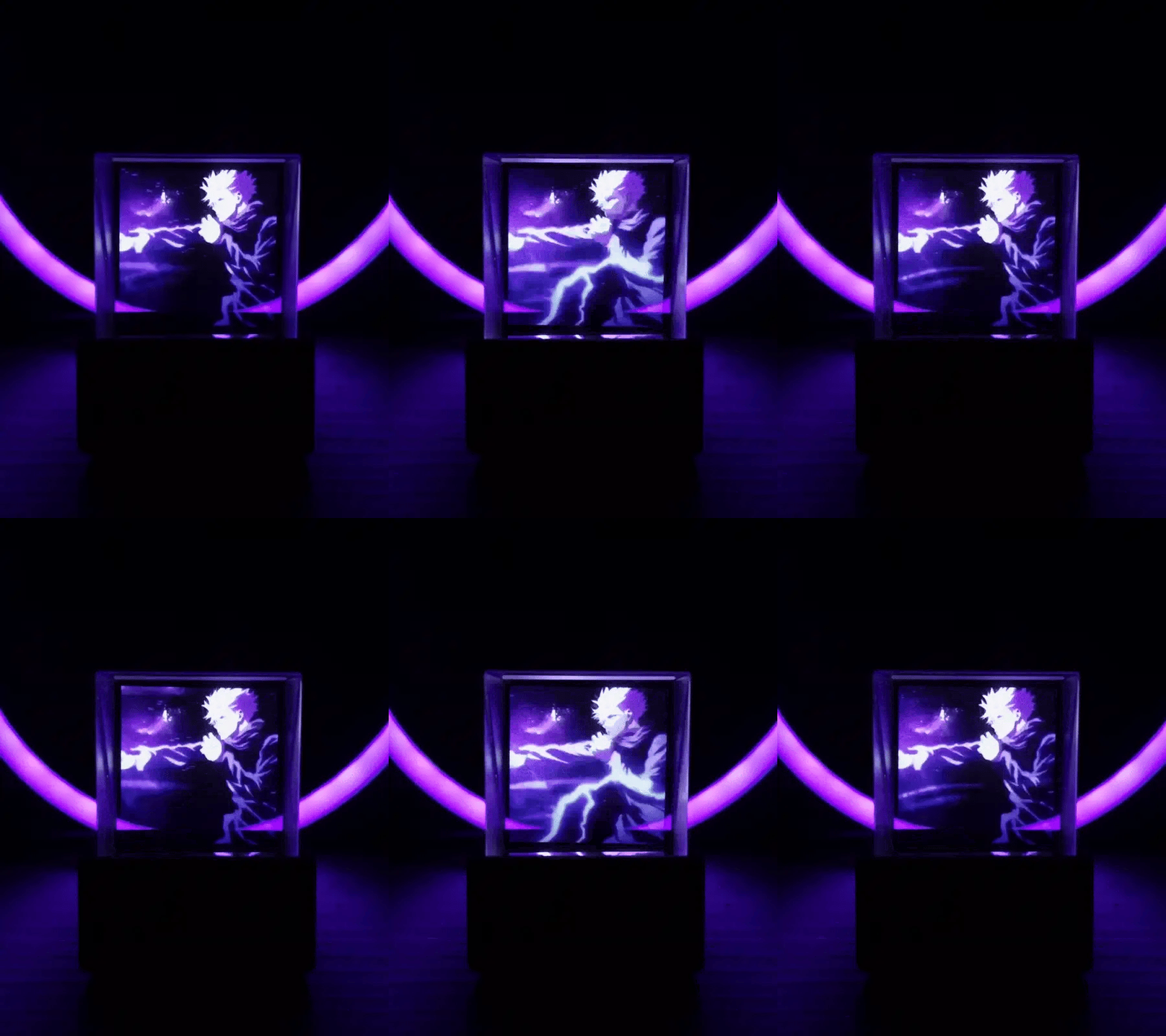
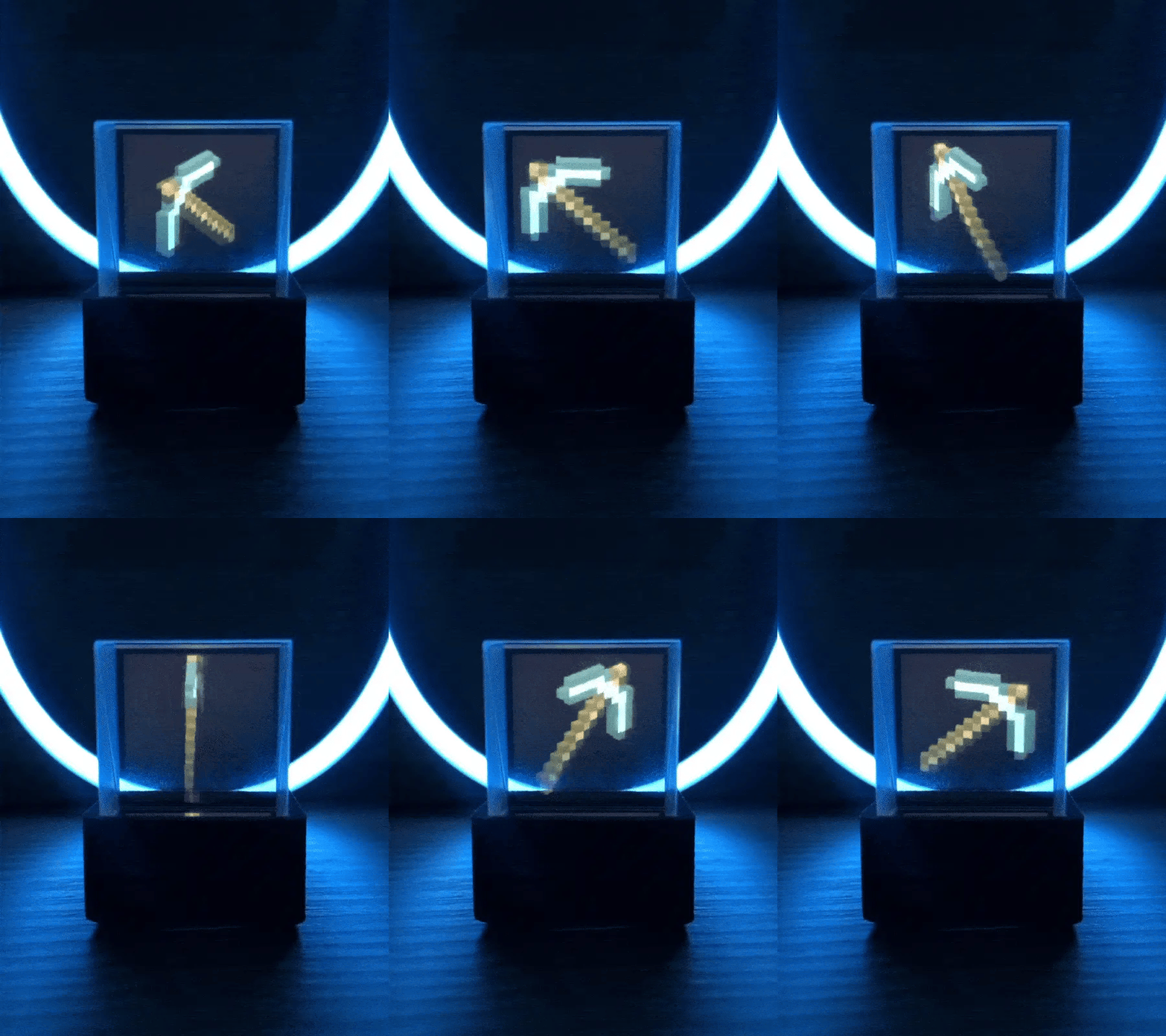
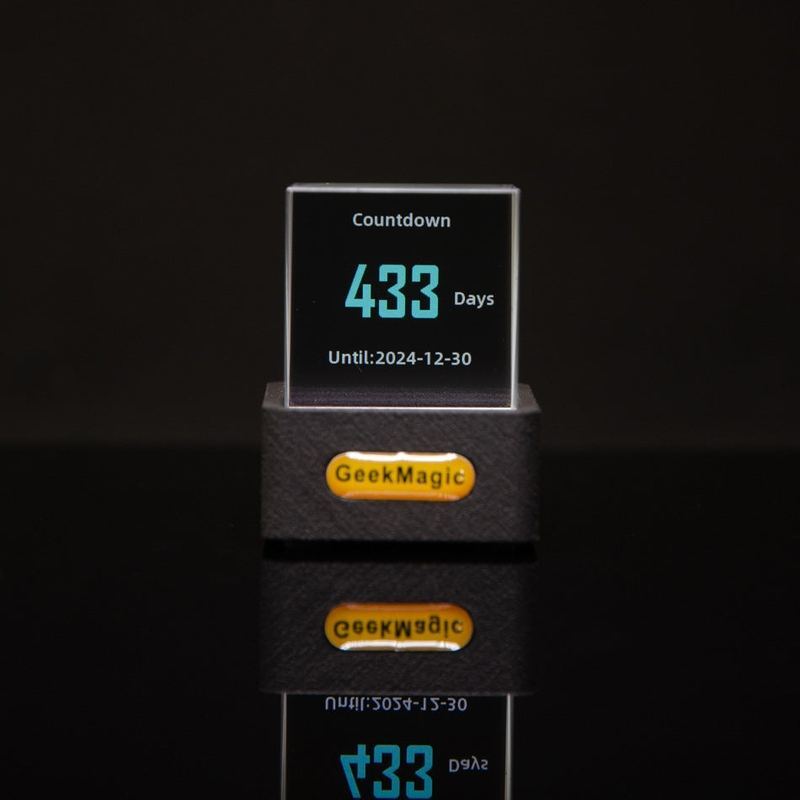
Easy Setup and Customization: Plug and play setup allows you to use it right out of the box. Upload your own images or videos to personalize the experience and make it uniquely yours.
Compact & Portable Design: Its sleek, cube design is lightweight and portable, making it easy to display anywhere �?at home, in the office, or even at events.
Perfect for Decor or Display: Ideal for enhancing home decor, attracting attention at trade shows, or elevating your social media content. Let the holographic visuals set the mood or highlight your creativity.
HOW TO SETUP
- Connect to Wi-Fi: When you first turn on the cube, it will create a Wi-Fi network named "GIFTV." Connect to it using your phone. A setup page should pop up automatically, or you can manually go to Safari and enter "192.168.4.1" in the address bar.
- Configuration: Follow the instructions on that page to connect the cube to your Wi-Fi network. Once connected, you should see a number like "192.168.x.x" displayed on your cube. Type this number into your browser to begin uploading images or GIFs.
- Upload Your Favorite Image/GIF: The storage is limited, so be sure to upload only small images or GIFs (240x240 pixels). You can use EZGif to convert short videos (2-3 seconds) into GIFs for the cube.